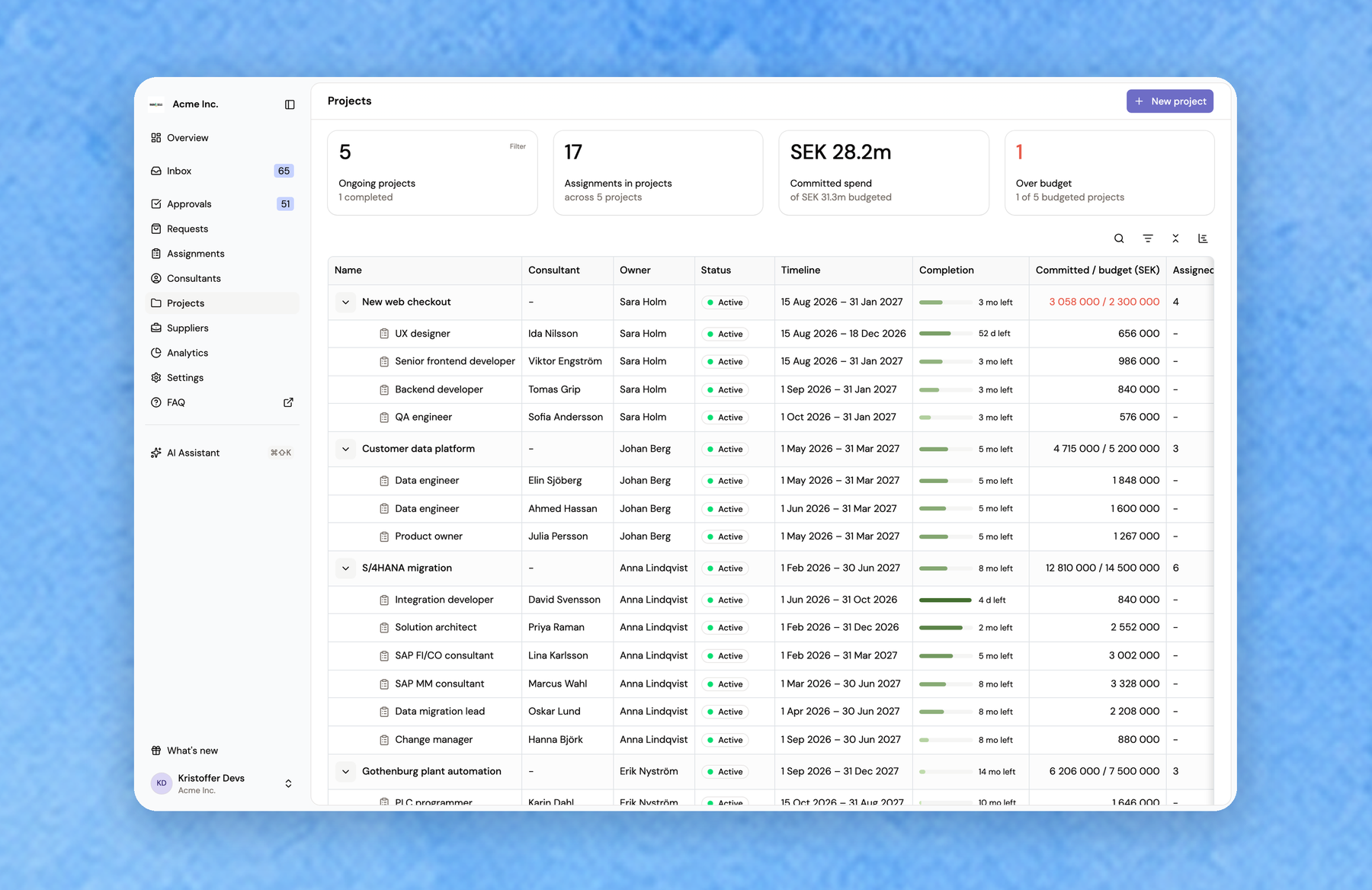
Projects: a home for project work in Fill
Consultants hired for a project often had no place in Fill to belong to, so many of them were kept outside it. Projects gives that work a home.
A new project needs only a name and dates. You can add an owner, a budget, a description and deliverables later. Add the assignments that belong to the project from its page, or choose the project in the new Project field when you add a consultant, add or extend an assignment, or mark a candidate as signed.
Each project page shows who is on the project, its assignments, the time left, and committed spend against the budget. You can see it as a table or as a timeline. The Projects list totals your ongoing projects, the assignments in them, committed spend, and how many projects are over budget. An assignment's project also shows on the consultant card, in the Assignments list and on extension approvals, including the executive sign-off page.