May updates
Edit a published request
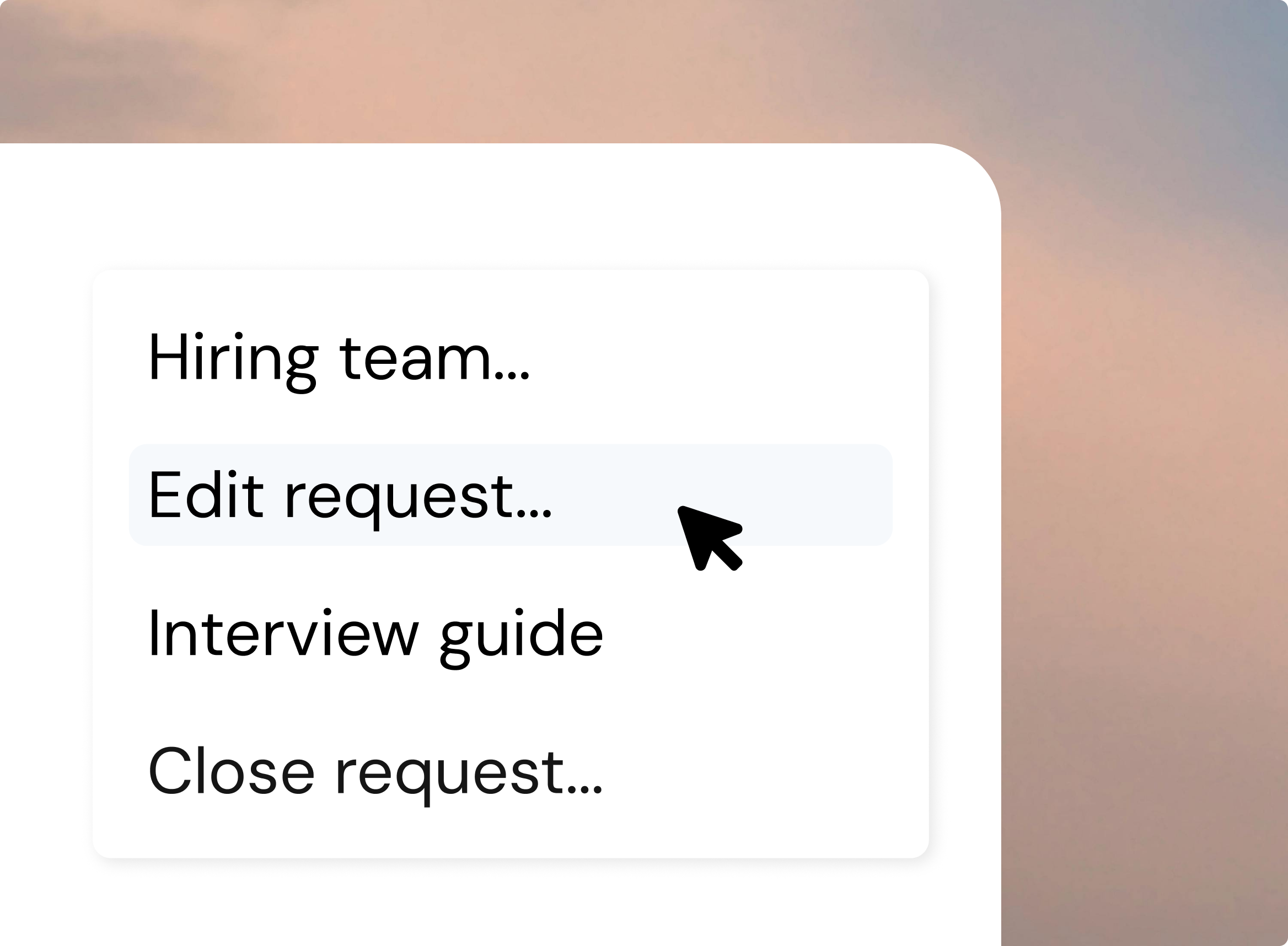
Buyer Admins can now fix their own published consultant requests directly in Fill like deadline, description, budget, and more with changes going live instantly. No more pinging Fill Admin .
A new Activity tab shows the full edit history: original submission plus every field change, with who changed it, when, and the before/after values. On save, you choose whether to email invited suppliers (off by default) and can add a message. Suppliers see changes attributed to your organisation — never an individual's name — and only edits made from their invitation onward.
Track purchase orders for each assignment
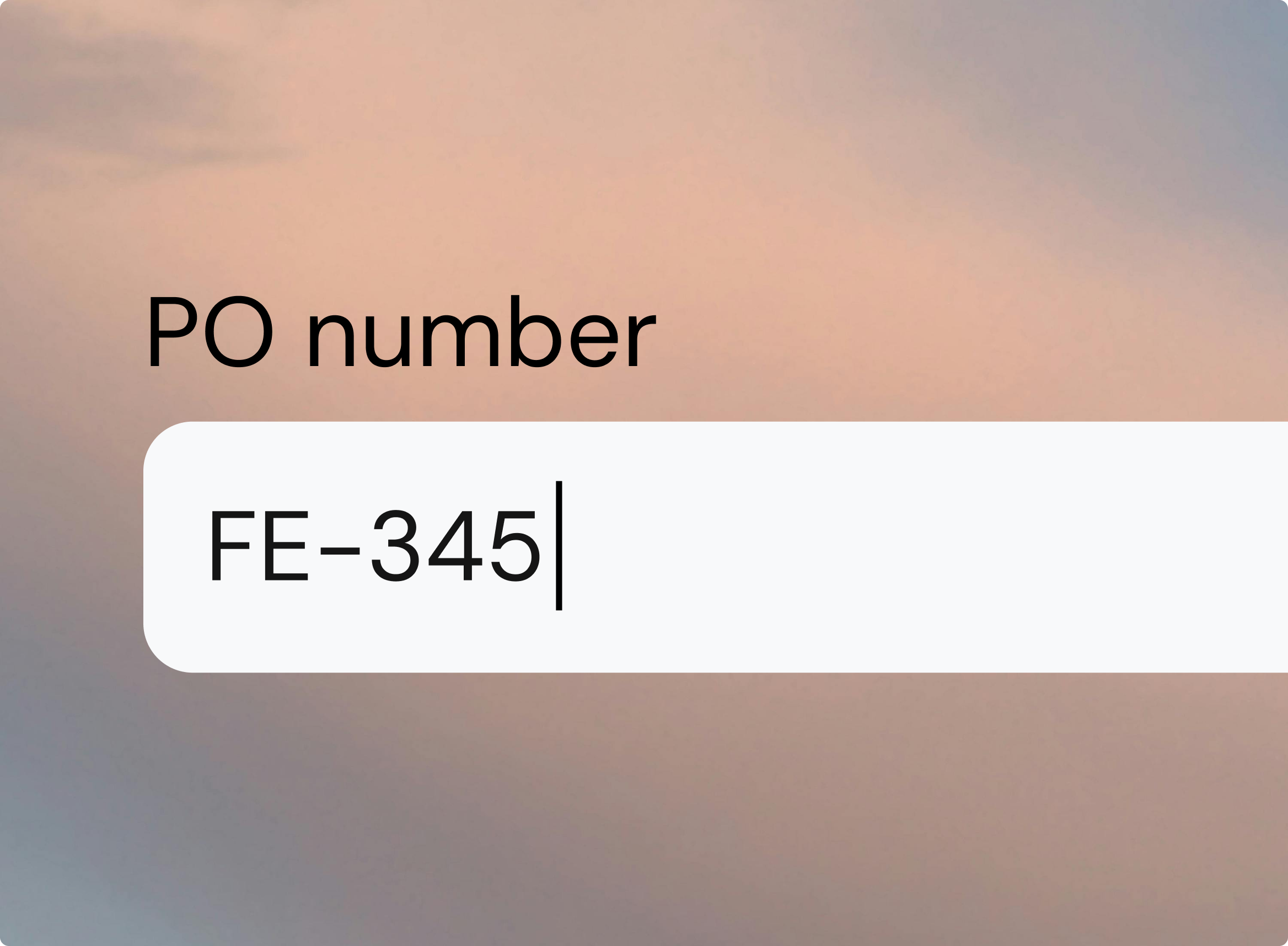
Procurement teams can finally track purchase-order numbers as real data. Add an optional PO reference when you create, edit, or extend an assignment. It gets its own sortable column in the assignment list and a clean column in the Excel export, ready to paste wherever it's needed. PO references are searchable, show on the assignment card and in the approval flow, and every change is logged in the activity feed. One PO can cover multiple consultants, and references are buyer-only — suppliers never see them.
Smarter supplier recommendations
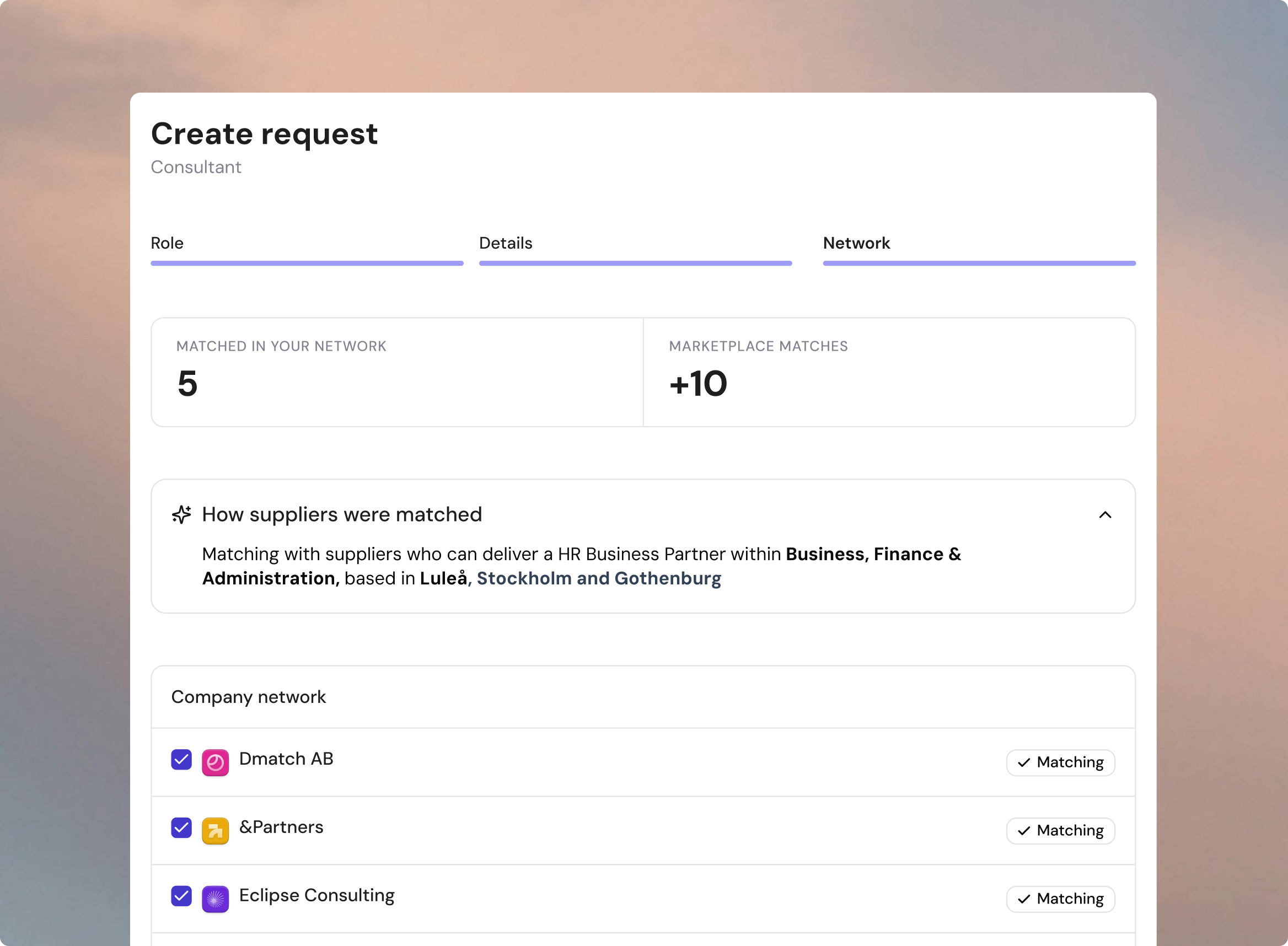
When you create an consultant request, Fill now suggests which suppliers from your Company Network to invite — replacing the flat A–Z list. You get a pre-ticked shortlist of network suppliers tagged Matching, picked from the request's role, location, and skills against each supplier's focus areas.
A "How suppliers were matched" summary lets you sanity-check what Fill understood before sending, and you stay in full control — deselect anyone, expand the whole network, or add suppliers Fill didn't surface. When there isn't enough signal, Fill shows the full network with no preselection rather than a misleading shortlist.
See every contract's status at a glance
A new color-coded Contract Status column (Missing, Pending, Signed) now appears in the Assignments table — so buyer admins and procurement teams can spot the gaps without clicking into individual cards. Filter the list to surface every missing contract instantly, sort by urgency (Missing first, then Pending, then Signed), and export it all to Excel with the same labels. Contract follow-up becomes proactive instead of reactive.
A Contract health KPI on the assignments list
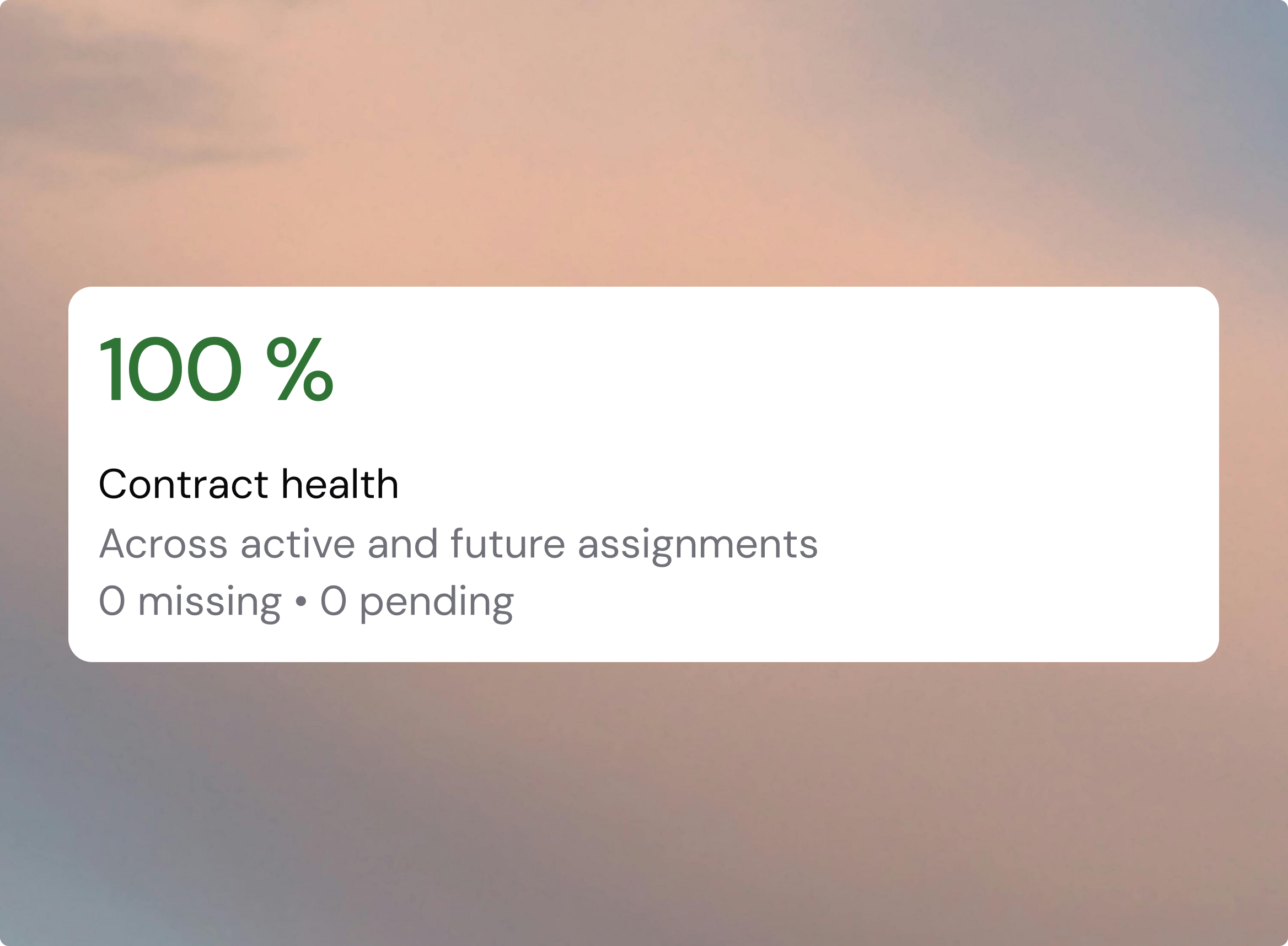
The buyer assignments list has a new Contract health KPI card showing the share of ongoing and upcoming assignments that have a signed contract — color-coded green, yellow, or red, with an "X missing · Y pending" subtitle. Its filter chip one-click filters the table to exactly those missing and pending rows, so you can jump straight to the gap instead of scanning the contract column by hand.
Booking an interview opens the chat automatically
When a buyer books an interview with a candidate, the buyer–supplier chat now opens on the spot — so the supplier can message about prep or schedule changes instead of waiting for a buyer to start the conversation. Both portals' empty states now spell out exactly how chat opens, replacing the old dead-end "Waiting for buyer to activate."
See the hiring team at a glance
On completed Interim requests, the hiring team now appears as avatars right in the request detail header — no more digging through the menu. Up to four initials avatars show (owner first), with a +N chip for larger teams. Hover for name and role, or click to open the full Hiring team modal.